Tip
Streamline Form Creation and Validation with React Hook Form and Yup
As a front-end developer, it's crucial to implement form validation, especially when building apps that involve user input. Two of the standout libraries in this domain are React Hook Form and YUP.
- React Hook Form handles the form's state management and more.
- YUP is perfect for schema validation, allowing you to define and enforce specific data types for your form fields.
Interestingly, there's a dedicated library to integrate both, ensuring a seamless user experience.
YUP: Declaring Our Schema
Taking a sample form with fields like email, first name, and last name, we use YUP to define our schema.
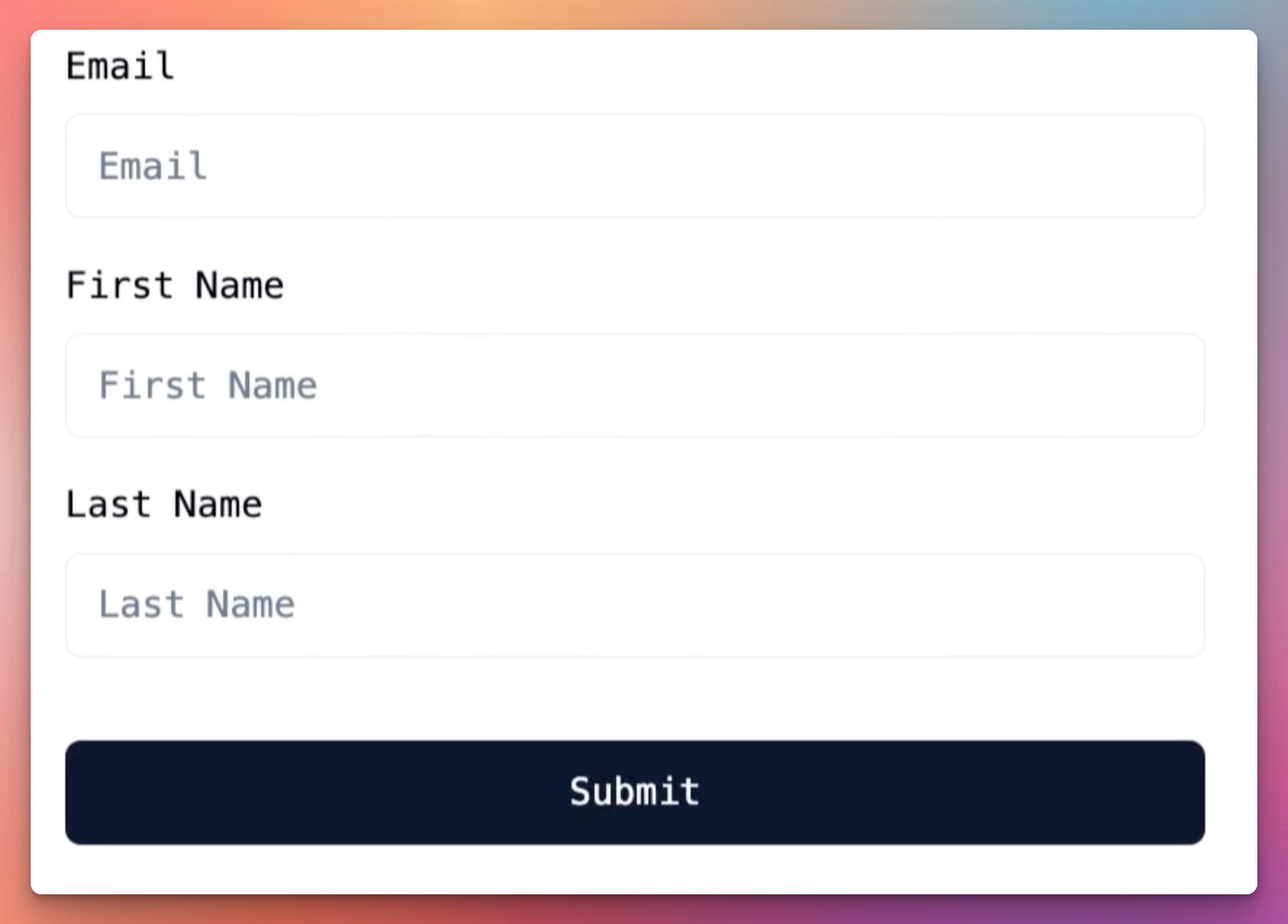
For instance:
const schema = yup.object().shape({
  email: yup.string().email().required(),
  firstName: yup.string().matches(/^[A-Za-z]+$/, 'Only letters are allowed').required(),
  lastName: yup.string().required()
});
Here's a breakdown:
- For the email, we're using YUP's built-in validation for email strings with
.email(). - For the first name, we've added custom validation to ensure only letters are present with Regex and
.matches(). - The last name is kept as required.
yup also gives us an InferType function, which allows us to create a type for our schema. This is useful for declaring interfaces and types for our form fields.
export type FormValues = yup.InferType<typeof schema>;
React Hook Form: Managing Form State
With the schema set, we can utilize the power of the React Hook Form:
const { register, handleSubmit, errors } = useForm({
  resolver: yupResolver(schema)
});
For every form field component, we register it with the React Hook Form:
<Input
  id="firstName"
  {...register("firstName")}
  placeholder="First Name"
/>
I've also imported a FormProvider component, which allows us to nest components that have access to our hook form. This is useful for building custom components that we might not want to have in our form directly.
<FormProvider {...formMethods}>
 // many nested form components
  ...
</FormProvider>
Components that want to access the hook form can use the useFormContext hook:
const { register, formState: { errors } } = useFormContext<FormValues>();
React Hook Form provides us with a formState that exposes many values that we could want when building forms. Here I'm only using errors but you could also use isDirty, isLoading, isSubmitted, touchedFields, defaultValues, and more.
Advanced: Watching Field Changes
React Hook Form provides a watch function, allowing us to monitor real-time changes in our form fields:
const { firstName, lastName } = watch();
By doing so, we can dynamically display messages or perform certain actions based on user input.
In Summary
With the combination of React Hook Form and Yup, managing and validating forms becomes a breeze. Whether it's a simple login screen or a comprehensive data entry form, these tools ensure robustness and user-friendly feedback.
Give them a try, and you'll likely find your form development process elevated to the next level.