Tip
Secure and Efficient Environment Variables with Doppler
Learn how Doppler can replace the need for .env files, providing a more secure way to manage and share environment variables across your entire team.
Doppler has been a game-changer for managing environment variables. This tool is essentially a vault for environment variables, providing an easy way to inject them directly into your system.
Why Doppler?
- Security: No more sharing variables over communication platforms like Slack or Discord.
- Centralized Management: Update a variable once and have it reflect across your team.
- Replaces .env: For Node users, the traditional
.envfile becomes obsolete.
Setting Up Doppler
-
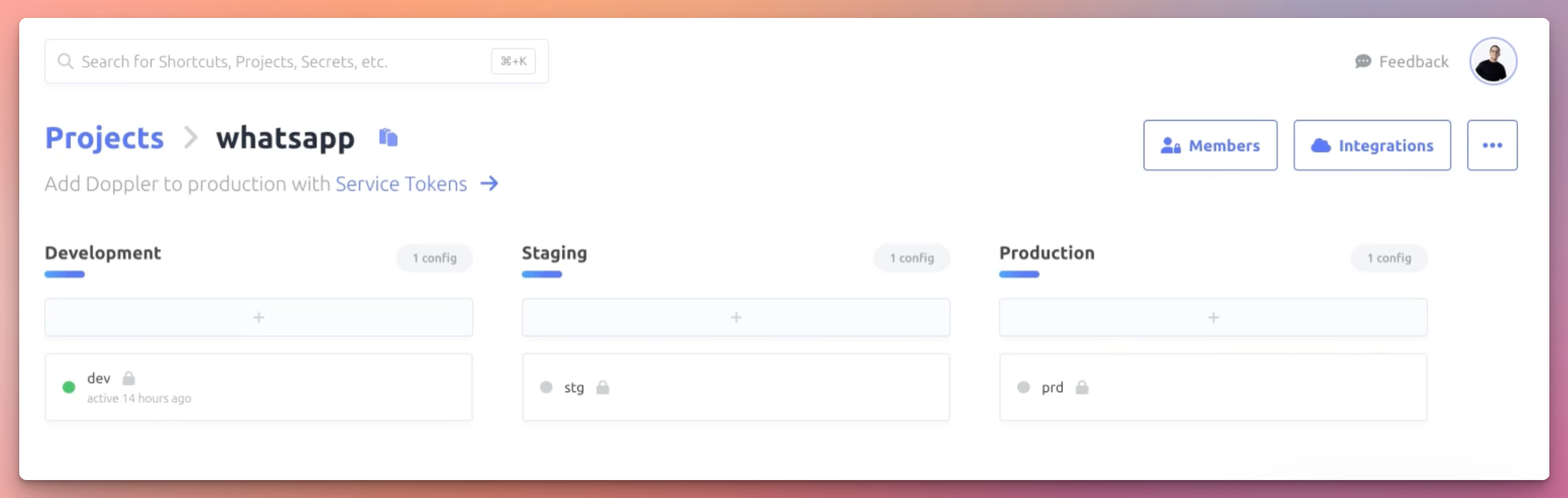
Multiple Environments: Create as many environments as required.
-
Integration: Directly integrate with tools like Vercel or, in the absence of direct integration, use Docker.
-
Installation: Follow the installation guide to set up the CLI. Once done, add Doppler to your run, start, or build script.
{ "scripts": { "dev": "doppler run -- npm run start" } } -
Injecting Variables: Every time you run, for instance,
yarn start, Doppler pulls your environment variables and injects them into your Node system.
Example
For demonstration purposes, let's consider a database URL set as localhost:5439/whatsapp.
If you update a variable in Doppler, you have the option to replicate this change across all environments. This is particularly useful for adding new secrets.
In our project, you can notice the absence of a .env file. The package.json has the doppler run flag added to the script. Running yarn dev will log the database URL:
console.log(process.env.DATABASE_URL);
This approach simplifies the process of managing environment variables. No more asking team members if they added or changed a specific variable – everything is managed in one place with Doppler, ensuring security and consistency.