Tip
Enhance Your Testing Workflow with vitest
Improve your testing process by understanding how to run vitest in different modes and launch the UI dashboard using NPM package scripts.
vitest is a versatile testing tool that provides various options to run tests. Here's a breakdown of how you can use it:
Running Tests in Watch Mode
By default, vitest runs in watch mode. This means that the tests will re-run automatically whenever there are changes in your functions.
For example, if you have a script defined in your package.json as:
{
  "scripts": {
    "test": "vitest"
  }
}
You can run it with the following command:
npm run test
If your function fails and you update it, vitest will run again, giving you immediate feedback.
Running Tests Once
If you wish to run the tests just once without entering the watch mode, you can use the vitest run command.
You can add this to your package.json scripts as:
{
  "scripts": {
    "test": "vitest",
    "test:once": "vitest run"
  }
}
And then run it with:
npm run test:once
Accessing the vitest UI
vitest comes with a built-in UI which can be accessed using the --UI flag.
In your package.json, you can have a script like:
{
  "scripts": {
    "test": "vitest",
    "test:ui": "vitest --ui"
  }
}
To launch the dashboard along with the tests in watch mode, use:
npm run test:ui
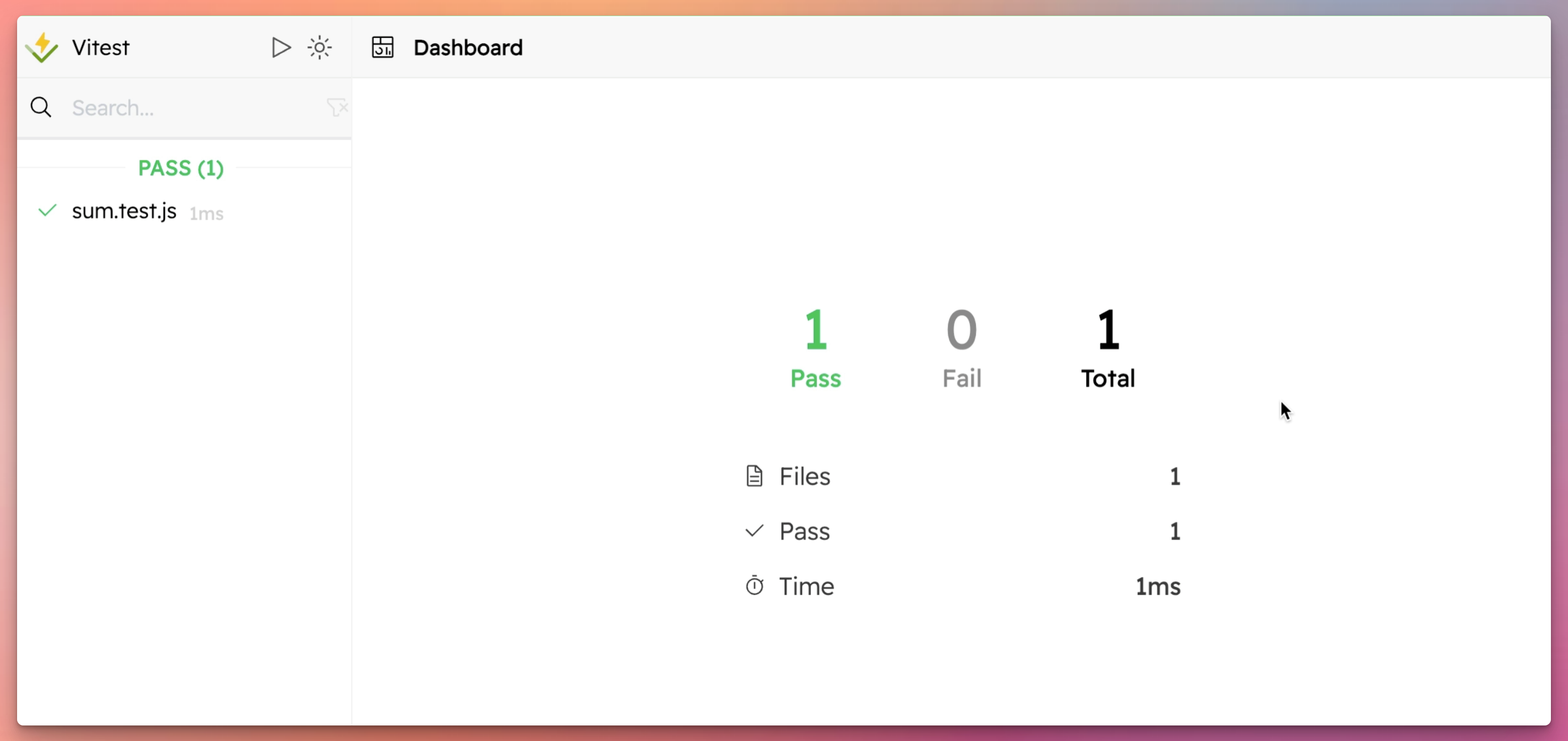
This dashboard provides insights into:
each test and its report:

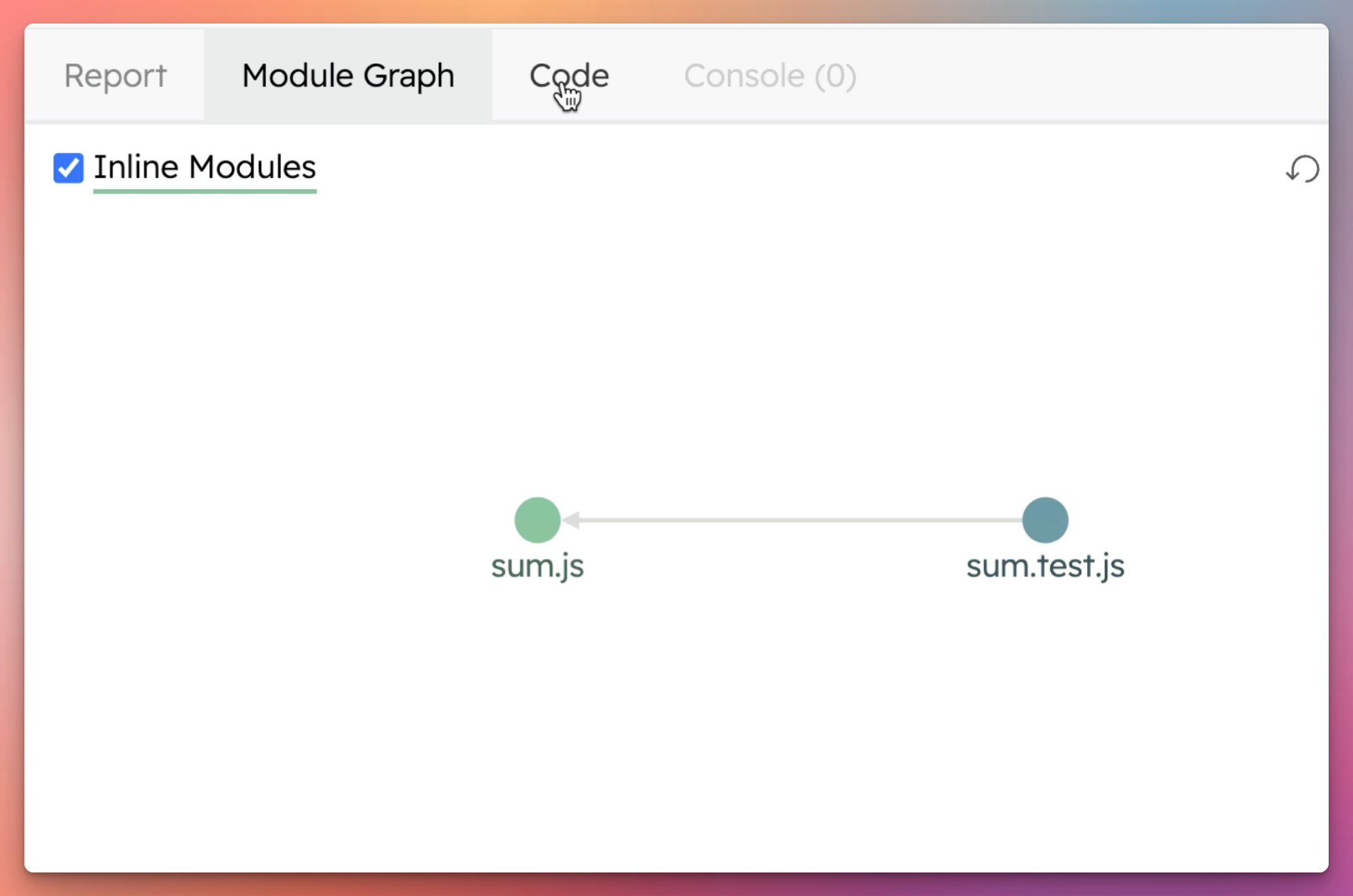
the module graph:
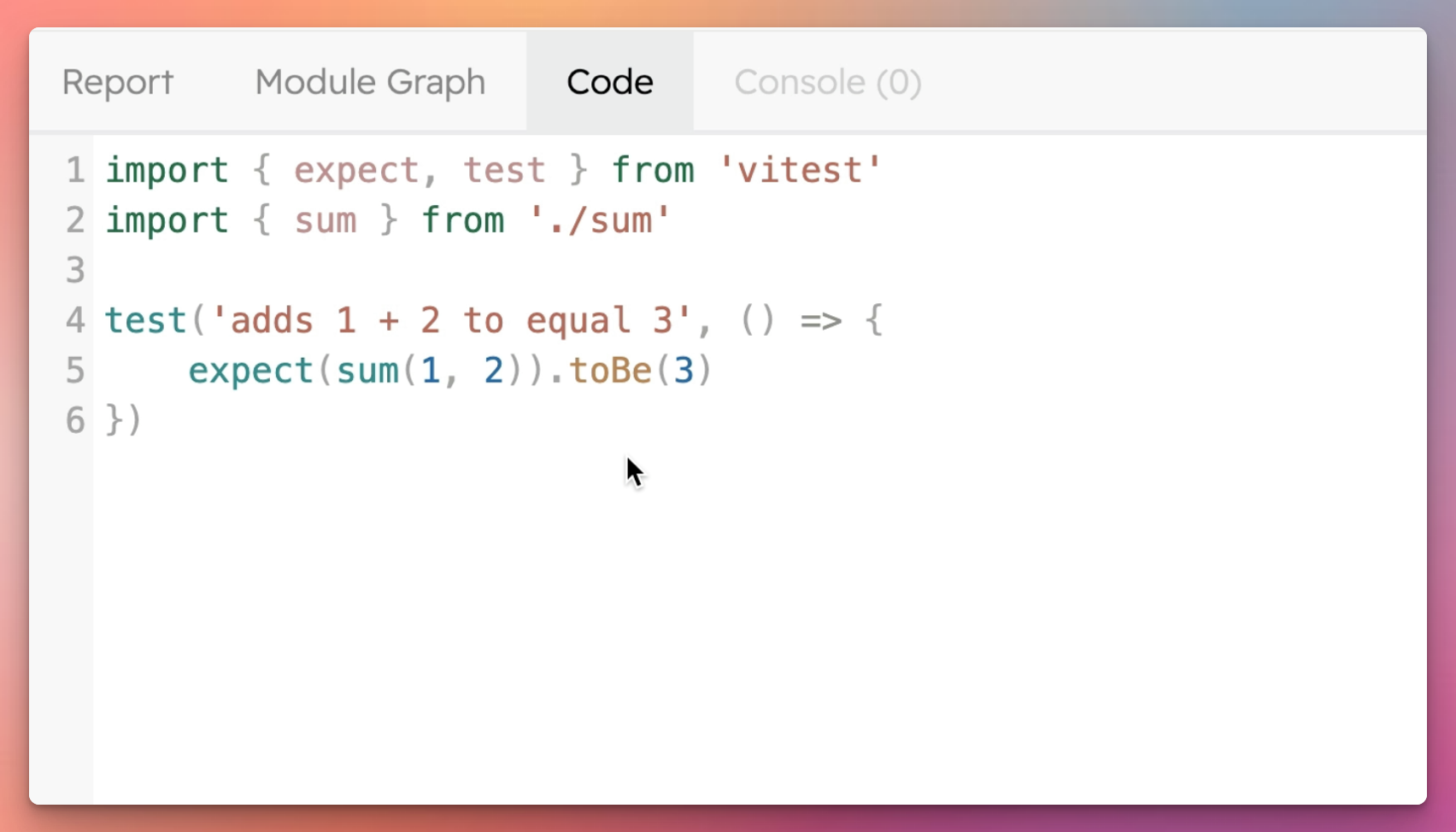
the code where the test originates from:
Passing Flags to Package Scripts
When you want to pass additional flags to the script with npm run, you might encounter an issue. For instance, running:
npm run test --ui
Won't work as expected. This is because the --UI flag is being passed to npm and not to the vitest command.
To correctly pass the flag, use an additional double dash -- before your flags, like so:
npm run test -- --ui
This tells npm that the subsequent flags should be passed to the script and not npm itself.
In conclusion, vitest offers a rich set of features to help you run and monitor your tests effectively. Whether you prefer the watch mode for continuous feedback or need the UI dashboard for detailed insights, vitest has you covered. Remember to use the double dash -- when passing flags to your npm scripts to ensure they work as intended.