Tip
Create a Computed Signal in Modern Angular
Computed properties allow you to display information based on state that you are tracking which update when your state updates. We'll see how to accomplish this with Angular Signals.
docs: https://angular.io/guide/signals
Let's work on creating a new property to display the last item in a list using Angular's computed property.
First, ensure that computed is imported from angular-core:
import { computed } from '@angular/core';
In the component export, provide a function to computed that you want to be invoked every time we refresh the page. Let's supply it with a function that grabs the last item from our items array:
lastItem = computed(() =>
  this. items.slice());
Here, we use Array.prototype.slice() to create a copy of our items array, then use Array.prototype.pop() on the copied array to grab the last item. We use a copy of our array to avoid mutating our original items array.
Now that our computed property is ready, we need to actually use it.
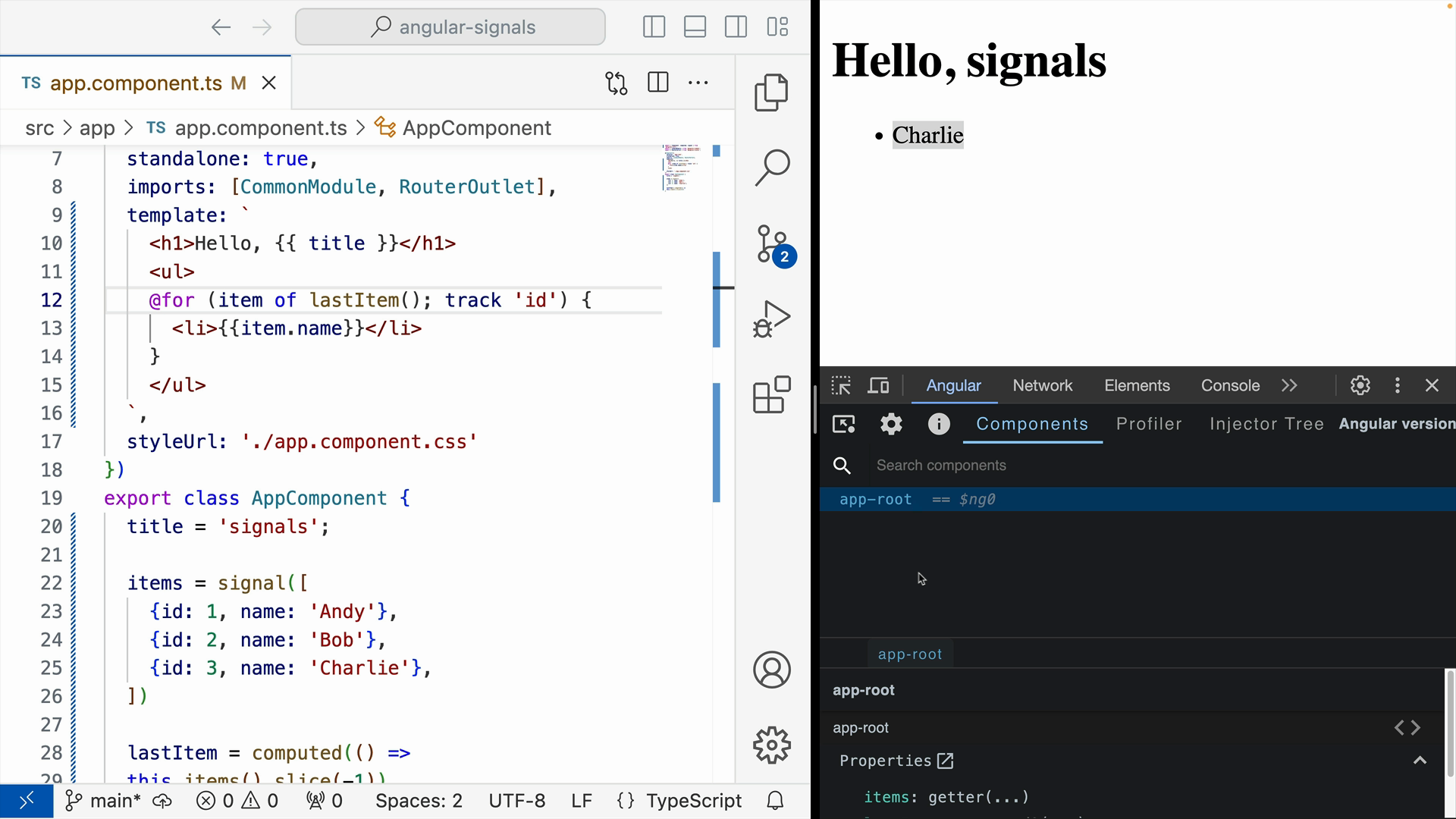
We'll do so within our for loop in the template. Replace the current item with a call to lastItem():
@for (item of lastItem(); track 'id') {
  <li>{{item.name}}</li>
}
You'll find that the application is now only displaying the final item in the items array - in our case, "Charlie":
And that's it! We've successfully used an Angular computed property.